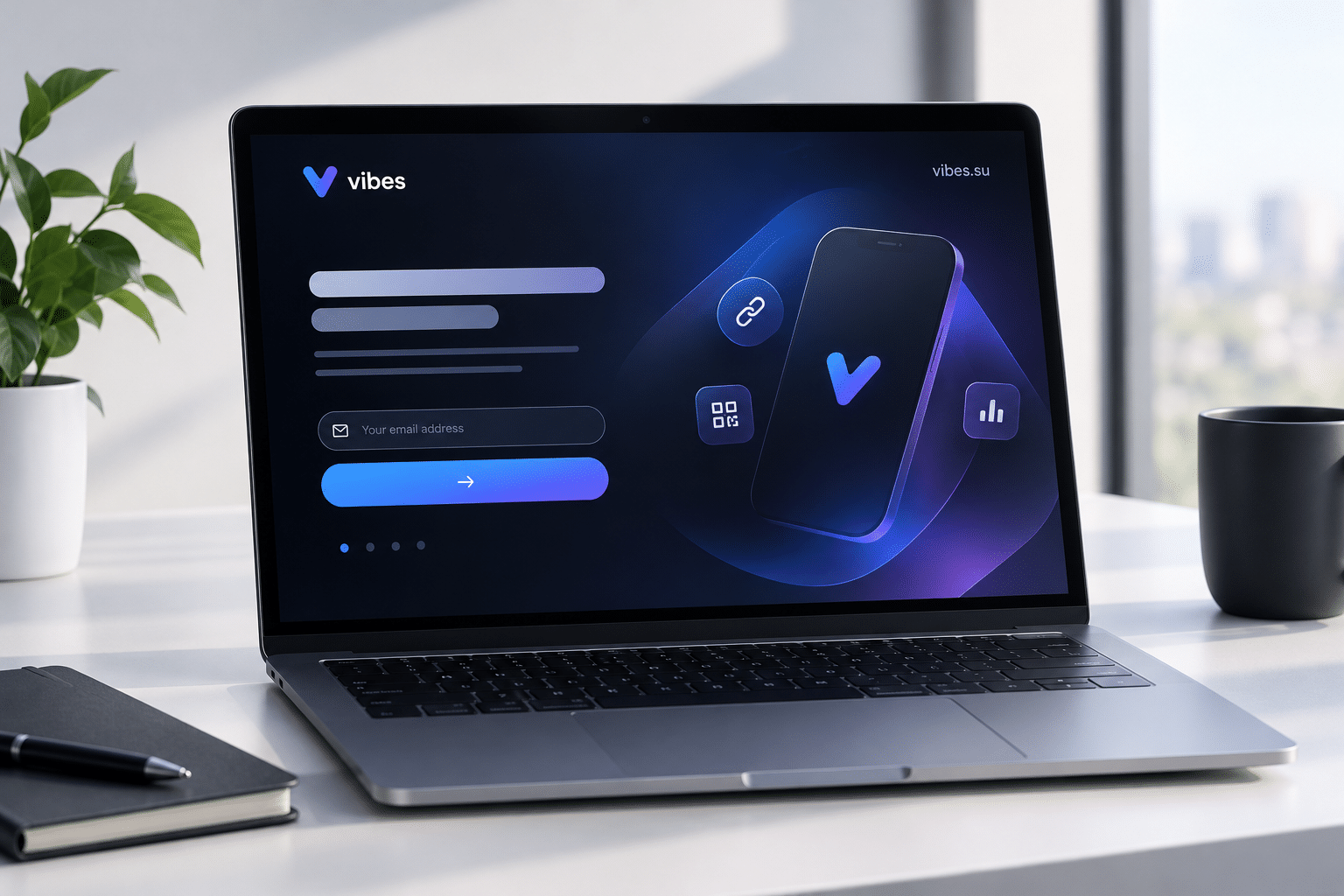
Why a pre-launch needs its own page
A product launch does not start on launch day. It starts earlier, when people first hear that something is coming. During that period, the goal is not to sell. The goal is to build interest, collect contacts, and create anticipation. A splash page is one of the simplest tools for this stage.
A splash page is a single page that introduces what is coming, gives a reason to care, and asks for a small action: sign up, join a waitlist, follow updates. It does not need to explain everything. It needs to make people curious enough to want to know more when the product is ready.
This article is about how to use a splash page for a product pre-launch. It covers what to include, how to present it, and how to avoid the common mistakes that make pre-launch pages ineffective.
What a pre-launch splash page is for
A pre-launch splash page serves several purposes.
First, it collects contacts. People who are interested can sign up to be notified when the product launches. This gives you a list to reach out to on launch day.
Second, it builds anticipation. A well-made splash page makes people curious. It hints at what is coming without revealing everything.
Third, it validates interest. If many people sign up, it suggests that the product is worth building. If few do, it may be a signal to rethink.
Fourth, it gives you a place to send traffic. Instead of sending people to a homepage that does not mention the product yet, you send them to a page that explains what is coming.
Fifth, it creates a record. The page can show how many people are interested, what they are saying, and what questions they have. This is useful for refining the product and the launch.
Each of these purposes shapes what the page should contain.
What to include on a pre-launch splash page
A pre-launch splash page should be simple. The goal is to make people curious, not to explain everything.
A clear headline. The headline should say what is coming, in a way that is easy to understand. It does not need to be a full description, but it should give enough context to make sense.
A short explanation. One or two sentences that explain what the product does and who it is for. Keep it short.
A reason to sign up. This could be early access, a discount, a bonus, or simply being the first to know. The reason should be specific and relevant.
A form. Usually just an email address. The fewer fields, the better.
A clear call to action. The button text should say what happens next: "Join the waitlist", "Get early access", "Notify me".
A confirmation message. After signing up, the person should see a message confirming that they are on the list and what to expect.
Optional elements: a countdown, a teaser image or video, a short FAQ, social proof if available.
What to avoid: long descriptions, too many features, pricing details (unless the price is part of the launch), and anything that distracts from the signup.
For a related approach to product launches, see bio page with splash screen for product launch.
How to create curiosity without revealing too much
A pre-launch page has to balance two things: giving enough information to make people interested, and not giving so much that there is no reason to come back.
Tease the benefit, not the feature list. Instead of explaining every feature, explain what the product will help people do. The benefit is what makes people curious.
Use visuals carefully. A partial screenshot, a blurred image, or a short teaser video can create curiosity. A full product demo may reveal too much.
Hint at what is coming. Phrases like "something new is coming" or "a new way to..." can create anticipation without revealing details.
Keep the launch date vague or specific, depending on your strategy. A specific date creates urgency; a vague timeline creates curiosity. Both can work, but they should match the plan.
Avoid overpromising. If the page promises something the product does not deliver, the launch will disappoint. Curiosity should be based on what is actually coming.
How to collect signups effectively
The signup form is the core of the page. If it does not work, the page does not work.
Keep the form minimal. Usually just an email address. Every additional field reduces the number of signups.
Make the button clear. "Join the waitlist" is clearer than "Submit".
Add a line of trust. "No spam", "unsubscribe anytime" — small reassurances increase signups.
Confirm what happens next. After signing up, the person should know when they will hear from you and what to expect.
Test the form. Make sure it works on mobile, that the confirmation message appears, and that the email actually arrives.
Consider a double opt-in. If you want a cleaner list, ask people to confirm their email. This reduces fake signups but also reduces the total number.
How to drive traffic to the splash page
A splash page only works if people see it. Several channels can drive traffic.
Social media. Post about the upcoming product and link to the splash page. The post should give a reason to click, not just announce that something is coming.
Email. If you have an existing list, send a message about the upcoming product and link to the splash page.
Paid ads. If you have a budget, ads can drive targeted traffic to the page. The ad should match the message on the page.
Partnerships. Partners or influencers can mention the upcoming product and link to the page.
Existing content. Blog posts, videos, and other content can mention the upcoming product and link to the page.
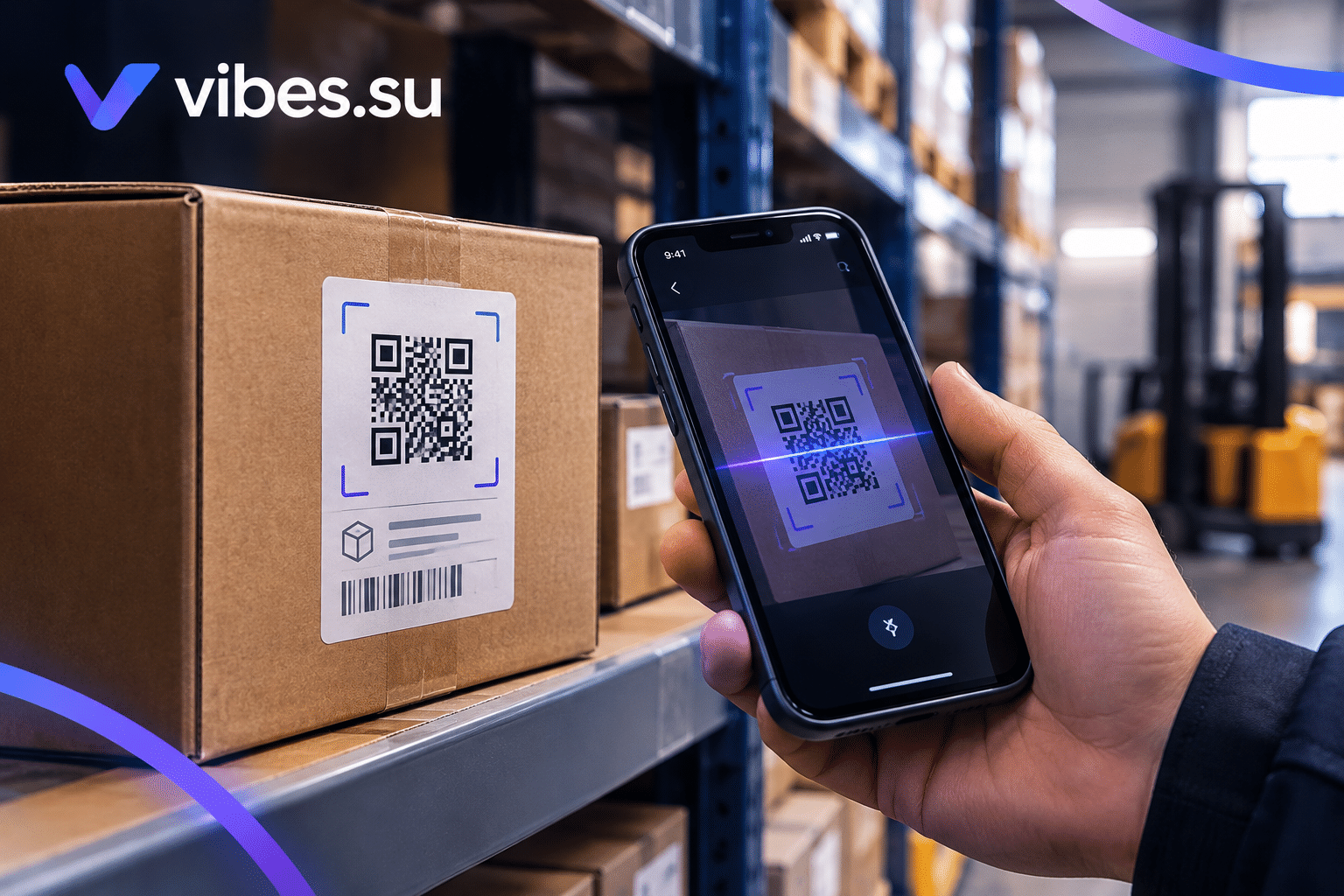
QR codes. For offline events, a QR code can lead to the splash page.
The key is consistency: the message in the channel should match the message on the page. If the ad promises one thing and the page says another, people will leave.
How to keep the page updated during the pre-launch
A pre-launch page is not static. It can evolve as the launch approaches.
Update the countdown. If there is a launch date, the countdown creates urgency.
Add social proof. As people sign up, you can show how many are on the list. This creates a sense of momentum.
Share updates. If there are milestones or news, the page can reflect them.
Answer questions. If people ask the same questions, add a short FAQ.
Adjust the message. If one version of the headline or the offer performs better, update the page accordingly.
The goal is to keep the page relevant as the launch gets closer.
What to do on launch day
The splash page has a lifecycle. On launch day, it should change.
Options:
— replace the splash page with the actual product page;
— redirect the splash page to the product page;
— add a clear call to action on the splash page that leads to the product.
The people who signed up should receive an email or message on launch day, letting them know that the product is available. This is the moment the list becomes valuable.
If the splash page remains online after launch, it should reflect the new reality. A page that still says "coming soon" after the product is available is confusing.
For a related look at how QR codes support product launches, see Telegram notifications for short links.
Common mistakes with pre-launch splash pages
A few mistakes come up often enough to be worth naming.
Mistake one: revealing too much. If the page explains everything, there is no reason to come back on launch day.
Mistake two: revealing too little. If the page is too vague, people do not understand what is coming and do not sign up.
Mistake three: no clear reason to sign up. "Coming soon" is not a reason. Early access, a discount, or being first to know are reasons.
Mistake four: a complicated form. Every additional field reduces signups.
Mistake five: no follow-up. If people sign up and never hear from you, the list becomes useless.
Mistake six: not updating the page. A page that still says "coming soon" after launch is confusing.
Mistake seven: mismatched messaging. If the ad promises one thing and the page says another, people leave.
When a pre-launch splash page is not the right choice
A splash page is useful, but not always.
If the product is already available, a splash page is unnecessary. Use a product page instead.
If the launch is very small and the audience is already engaged, a splash page may be overkill.
If there is no clear benefit to signing up early, the page will not collect many contacts.
If the product is confidential and cannot be teased, a splash page may reveal too much or create false expectations.
In these cases, a different approach may be better.
Frequently asked questions
What is a pre-launch splash page?
A single page that introduces an upcoming product, explains what is coming, and collects signups from people who want to be notified when the product launches.
What should I include on the page?
A clear headline, a short explanation, a reason to sign up, a simple form, a clear call to action, and a confirmation message. Optional elements include a countdown, teasers, and social proof.
How much should I reveal before launch?
Enough to make people curious, but not so much that there is no reason to come back. Tease the benefit, not the full feature list.
How do I collect signups effectively?
Keep the form minimal (usually just email), make the button clear, add a line of trust, and confirm what happens next. Test the form before launch.
How do I drive traffic to the page?
Use social media, email, paid ads, partnerships, existing content, and QR codes. The message in each channel should match the message on the page.
What should I do on launch day?
Replace the splash page with the product page, redirect the splash page to the product, or add a clear call to action. Notify the people who signed up.
What is the biggest mistake with pre-launch pages?
Either revealing too much or revealing too little. The page should give enough context to make sense and enough mystery to make people want to come back.