Why short links and email are a tricky combination
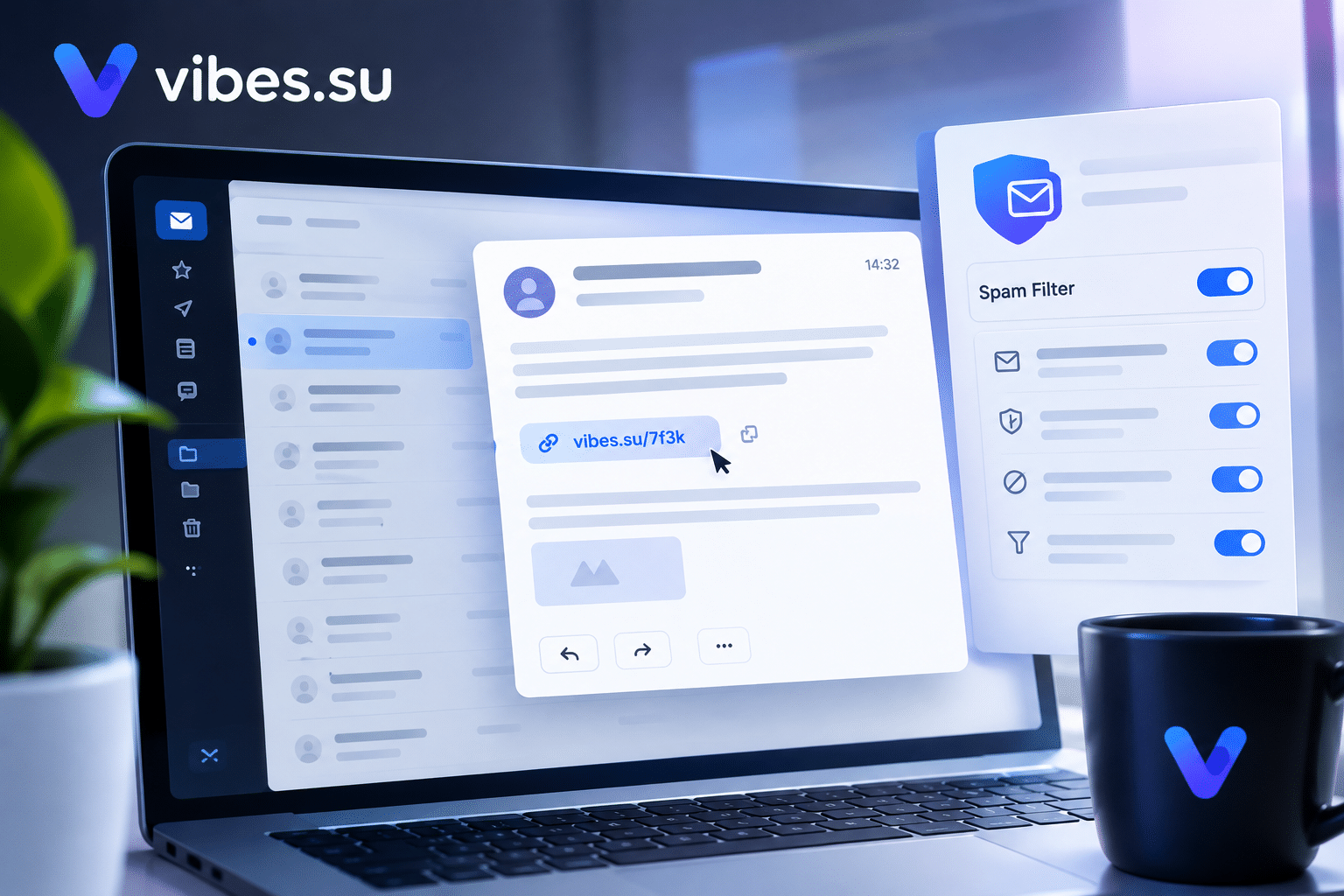
Short links are useful in email. They save space, they look cleaner, and they let you track clicks. But email is a channel with strict rules. Spam filters are designed to catch suspicious links, and short links — with their unfamiliar domains and redirects — are exactly the kind of thing that can trigger suspicion.
This does not mean short links should be avoided in email. It means they need to be used carefully. A link that is fine in a social media post can cause problems in an inbox. A link that works in one email service may fail in another. Understanding why this happens is the first step to avoiding it.
This article is about how to use short links in email campaigns without triggering spam filters. It covers what makes a short link look suspicious, how to choose a link service, and how to structure emails so links do not become a problem.
Why spam filters are suspicious of short links
Spam filters are not trying to block short links specifically. They are trying to block patterns that are common in spam and phishing. And short links share some of those patterns.
First, short links hide the destination. A spam filter cannot see where the link leads without following it. This is the same technique used by phishing emails, so filters are cautious.
Second, short links use domains that are unfamiliar. If the domain is not well-known, the filter has less information to judge it by.
Third, short links often redirect. A chain of redirects is another pattern that filters watch for, because it can be used to hide the real destination.
Fourth, short links are sometimes used in bulk. If many emails contain the same short link, that can look like a mass mailing, which filters treat with caution.
Fifth, short link domains are sometimes abused by spammers. If a particular short link domain has a history of abuse, filters may treat all links from that domain as suspicious.
None of this means short links are bad. It means the filter is doing its job, and the sender needs to work with that.
What makes a short link more or less likely to be trusted
Not all short links are equal. Some are more likely to pass through filters.
A well-known domain. If the short link service is reputable and widely used, filters are more likely to trust it.
A custom domain. If the short link uses your own domain (for example, link.yourbrand.com), the filter sees a domain that matches the sender. This is more trustworthy than an unfamiliar third-party domain.
A clear destination. If the link leads directly to the destination without a chain of redirects, it is less suspicious.
A consistent pattern. If the same sender uses the same link service consistently, the filter learns that this is normal behavior.
A good sender reputation. If the sending domain has a good reputation, links within the email are more likely to be trusted.
A clear context. If the email explains why the link is there and what it leads to, the filter has more information to judge it by.
The more of these conditions are met, the less likely the link is to trigger a filter.
How to choose a short link service for email
The choice of service matters for deliverability.
Use a reputable service. Well-known services are more likely to be trusted by filters.
Consider a custom domain. If the service allows using your own domain for short links, this is often the best option for email. The link looks like it belongs to you, which builds trust with both filters and recipients.
Check the redirect behavior. A direct redirect is better than a chain. Some services allow configuring the redirect type.
Check the tracking options. Some services offer detailed tracking; others are minimal. For email, basic click tracking is usually enough.
Check the security features. Some services offer malware scanning, which can help with deliverability.
Read the terms. Some services have restrictions on email use. Make sure the service allows what you are doing.
If the service offers a custom domain, it is worth the extra setup for email campaigns.
How to structure emails so links do not trigger filters
The email itself matters as much as the link.
Use a clear subject line. A subject line that looks like spam increases the chance that the whole email is flagged, regardless of the links.
Write a clear message. If the email explains what the link is for, the filter has more context.
Avoid excessive links. An email with many links looks more suspicious than one with a few.
Avoid link shorteners that hide the destination completely. If possible, show the destination in the link text or nearby.
Use consistent formatting. Links should look like links, not like random text.
Include an unsubscribe option. This is required in many jurisdictions and also signals to filters that the email is legitimate.
Include a physical address if required. This is another signal of legitimacy.
Test the email before sending. Send it to yourself and check how it looks and where it lands.
For related tracking approaches, see Telegram notifications for short links.
How to test deliverability
Before sending a campaign, it is worth testing whether the email will be delivered.
Send to multiple addresses. Use different providers (Gmail, Outlook, etc.) to see how each handles the email.
Check the spam folder. If the email lands in spam, the links may be part of the problem.
Use a deliverability tool. Some services analyze emails and report potential issues before sending.
Check the link redirects. Make sure the link leads where it should, without unexpected steps.
Monitor the results. After sending, check open rates and click rates. A sudden drop may indicate deliverability issues.
If the email consistently lands in spam, the issue may be the sending domain, not the links. In that case, the domain reputation needs attention.
What to do if emails with short links are flagged
If emails with short links are being flagged as spam, there are several steps to take.
First, check the sending domain. If the domain has a poor reputation, that is the primary issue. Improving domain reputation takes time but is essential.
Second, switch to a custom domain for short links. If the link domain is unfamiliar, a custom domain can help.
Third, reduce the number of links. Fewer links reduce suspicion.
Fourth, make the email content clearer. Filters look at the whole message, not just the links.
Fifth, check the link service. If the service has a history of abuse, consider switching.
Sixth, test again after changes. Deliverability is iterative; changes need to be verified.
If the problem persists, consider using plain links instead of short links for email, at least temporarily. The destination is visible, which reduces suspicion.
When short links may not be worth it in email
Short links are useful, but not always worth the risk in email.
If the link is short enough without shortening, there is no need. For example, a link to your own domain may already be short and clear.
If the campaign is small and the audience is engaged, the tracking benefit may not justify the deliverability risk.
If the email service already provides click tracking, a short link may be redundant.
If deliverability is critical and the audience is sensitive to spam, plain links may be safer.
For related approaches to link tracking, see URL rotation and A/B testing for short links.
Frequently asked questions
Why do short links trigger spam filters?
Because they hide the destination, use unfamiliar domains, and often involve redirects. These are patterns that spam filters associate with phishing and spam, so they treat short links with caution.
Can I use short links in email without problems?
Yes, if the links are used carefully. Use a reputable service, consider a custom domain, keep the number of links low, and make the email content clear.
Should I use a custom domain for short links in email?
It is often the best option. A custom domain matches the sender, which builds trust with both filters and recipients. It requires extra setup but is worth it for email campaigns.
How do I test whether my email will be delivered?
Send to multiple addresses across different providers, check the spam folder, use a deliverability tool, and monitor open and click rates after sending.
What should I do if my emails with short links are flagged?
Check the sending domain, switch to a custom domain for short links, reduce the number of links, improve the email content, check the link service, and test again. If needed, use plain links temporarily.
Are short links in email ever not worth it?
Yes, when the link is already short, when the campaign is small, when the email service already tracks clicks, or when deliverability is critical. In these cases, plain links may be safer.
How many links should an email contain?
Fewer is better. An email with many links looks more suspicious. Focus on one or two main links rather than many.